

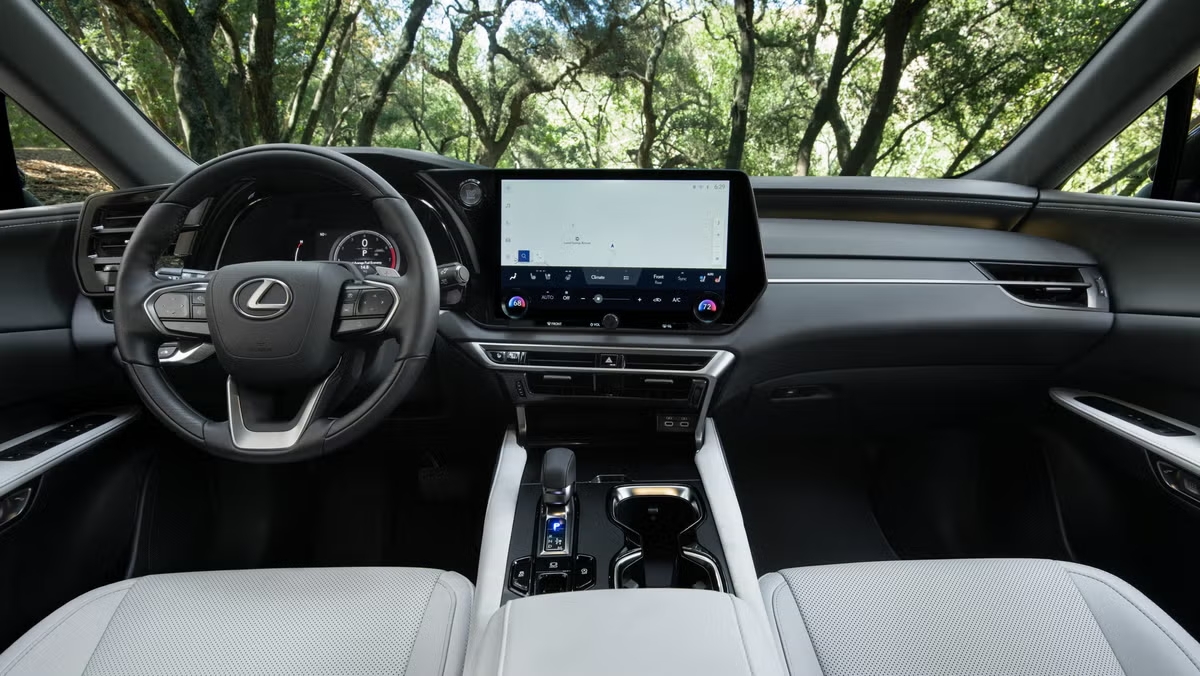
Setting up your Lexus RX 350’s HomeLink system only takes a few minutes and saves you from juggling multiple garage remotes in your car. Whether you’re programming HomeLink for the first time or starting fresh after a system reset, we’ll show you exactly how to program your Lexus RX 350 garage door opener using those buttons on your rearview mirror or overhead console.
What You Need Before Programming Your Lexus RX 350 HomeLink
Gather these items before you start:
- Your handheld garage door remote (make sure the battery’s fresh)
- Access to the “learn” button on your garage door motor unit (check the back or side panel)
- Your vehicle with the ignition in accessory mode
Reprogramming existing buttons? You’ll want to clear the old codes first. Hold HomeLink buttons 1 and 3 together for about 10 seconds until the LED changes from solid to flashing rapidly.
HomeLink works with most major brands like Chamberlain, Genie, and LiftMaster. This same process works for other Lexus models too (RX 330, RX 400h, GX, and NX).
Step-by-Step Guide to Programming Your Garage Door Opener
Here’s how to get everything connected:
- Find the HomeLink buttons on your rearview mirror or overhead console. You’ll see three buttons you can program.
- Press and hold your chosen HomeLink button until the LED starts blinking slowly. This activates programming mode.
- Position your garage remote 1-3 inches from the HomeLink buttons. Now press both your garage remote button and the HomeLink button at the same time. Keep holding until the LED flashes rapidly (usually takes 10-30 seconds).
- Locate the “learn” button on your garage door motor inside your garage and press it once. The motor’s light will come on.
- Get back to your car within 30 seconds and press your programmed HomeLink button 2-3 times. Your garage door should respond, which means you’ve got it working.
Having trouble with the setup? Our certified technicians at Lexus Stevens Creek can make sure your HomeLink system connects properly.
Quick Troubleshooting Tips
If things don’t work right away, here are some fixes:
- LED won’t blink rapidly: Swap out your garage remote battery and hold the remotes closer during pairing.
- Door doesn’t respond after programming: Hit the HomeLink button several times right after you activate the motor’s “learn” button.
- Programming keeps getting erased: Clear all existing codes first (hold buttons 1 and 3 for about 10 seconds until the LED changes from solid to flashing rapidly), then start over.
- System won’t work at all: Some newer systems that use Security+ 2.0 technology, such as certain LiftMaster and Chamberlain models, may require additional programming steps. Check the HomeLink website or your garage door opener manual for model-specific instructions.
Get Expert Help at Lexus Stevens Creek
Still can’t get HomeLink working? Our Bay Area service team can program your garage door opener during any regular maintenance visit, which saves you the hassle. Schedule a service appointment online or give us a call at 408-878-4122.
Connect with us


